A good instructional animation simplifies complex actions, reduces support requests, and ensures consistent explanation. With this step-by-step plan, you work in a structured manner from briefing and script to storyboard, animatic, animation, audio, and distribution. You receive concrete choices and deliverables per phase, applicable to 2D animation, 3D animation, and whiteboard animation. Animation Agency guides you end-to-end so your instructional video goes live faster and performs better. Want to see the entire production process side-by-side at a glance? View the step-by-step plan for an animation video. New to the format? Read what an instructional animation is.

Success begins with clarity. Determine the instructional goal, the target audience, and the context in which the viewer watches your animation video. Does someone need to assemble a product, configure software, or safely perform a process? Formulate one main goal, supplemented by one or two sub-goals if necessary. Additionally, establish what prior knowledge the viewer possesses and in which environment the video is used, for example, onboarding, e-learning, service portal, intranet, YouTube, or social media. For HR and L&D purposes, animation for training and onboarding is a particularly effective application.
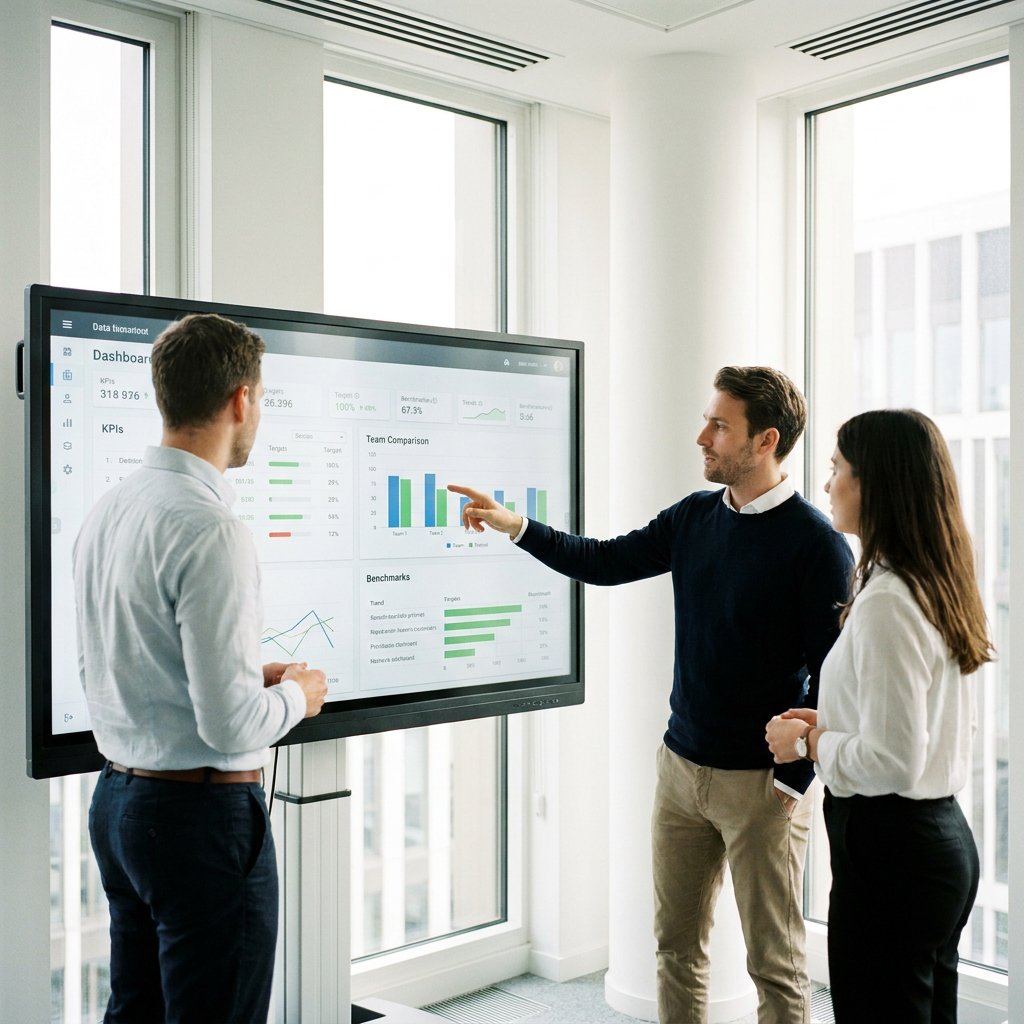
Choose your channels and formats immediately. An instructional animation performs differently on mobile than on desktop, and differently in an LMS than on LinkedIn. Plan variations per aspect ratio (16:9, 1:1, and 9:16) and decide whether you want to rank with or without audio. Finally, define KPIs such as view rate, completion rate, drop-off points, and action on CTAs, and plan how you will measure them. For physical products, a product instructional animation ideal; for software, a software tutorial animation with clear UI steps works best.
The script provides structure and pace. Write in clear, active Dutch and use a logical sequence: context - goal - steps - repetition - CTA. Make instructions modular with short chapters so that you can easily reuse or update them later. Allocate 90–120 seconds for a core video, or opt for a series of micro-instructions of 30–60 seconds per task.
Decide on voice-over, subtitles, or both. In silent environments, subtitles and on-screen text are essential. Use jargon only if the target audience understands it and avoid cognitive overload: one message per shot. Also establish compliance tones for sectors such as government and healthcare and note any multilingual variants.
Choose the animation style that suits your goal and budget: 2D motion design for speed and scalability, 3D animation for technical precision, or whiteboard animation for maximum simplicity. Gather a style guide, logos, fonts, icons, and examples. Create 1–2 style frames showing how characters, objects, colors, and typography come together. Consider accessibility: sufficient contrast, readable font sizes, and clear icons.
The storyboard translates the script into visuals. For each scene, you see sketches or frames with notes regarding camera, on-screen text, callouts, interactions, and voice-over. Add general timing to monitor pacing and information processing. Pay extra attention to error-prone actions and mark safety or compliance moments. The storyboard is the time to fine-tune sequence, text structure, and visual metaphors. Watch this example instructional video (Wyli case).
Make complex information clear, understandable, and convincing
The animatic is a rough video based on the storyboard with temporary audio and basic movement. This allows you to test timing, rhythm, and transitions without wasting expensive production time. Check that every step is clear within the available seconds and that on-screen text is legible. If possible, have 3–5 representative users review it and incorporate points for improvement before proceeding to full production.
Next comes the full animation production: developing illustrations, building scenes, keyframes and transitions, and applying consistent motion principles. Maintain rhythm and attention with a clear focus per shot and subtle micro-animations. In parallel, you handle the audio: voice-over casting and recording, music selection, sound design, and a polished mix. For accessibility, you always provide subtitles and, if desired, audio description.
Export channel-specifically: MP4 H.264 or H.265 for broad use, and optionally WebM for the web. Create resolutions per channel, such as 1920x1080, 1080x1080, and 1080x1920. Include separate assets such as subtitle files, stills, and thumbnails. Publish with strong titles, clear descriptions, and UTM tags. Embed on your help center or LMS and create short teasers for social media. Measure performance on VTR, completion, drop-off, and CTA clicks, and plan iterations or variants based on data.
The investment depends on the choice of style (2D, 3D, whiteboard), length, complexity of illustrations, multilingualism, and the number of revision rounds. A complete project takes an average of 4–8 weeks from briefing to publication, depending on the availability of input and the speed of feedback. If you require multiple variants per channel or language, schedule them in directly for efficient production. Animation Agency proactively helps develop a smart modular structure so that updates can be quick and cost-effective later on.

Is your question not listed? Feel free to ask.
Ask your questionFor film, you use a similar structure: pre-production (goal, script, shot list, location, cast), production (filming, audio), post-production (editing, color, mix, subtitling), and distribution. In instructional animation, you replace filming with storyboard, animatic, and animation production, but the logic of goal - story - execution - publication remains the same.
ChatGPT cannot render animations. However, it can assist with developing a script, devising metaphors, or rewriting voice-over texts. Always have the content checked by a subject matter expert and a producer who ensures the script is visually and didactically sound.
Animation creates movement by displaying sequences of images. In 2D, you work with layers, keyframes, and tweening. In 3D, you construct objects, materials, and light in a 3D space, and rigs animate movement. Whiteboard animation simulates drawing in real time. In all cases, timing, easing, and focus determine how pleasant and clear the explanation is conveyed.
Would you like to implement this step-by-step plan with a partner who thinks along with you? Animation Agency creates custom 2D and 3D instructional animations, from concept and script to sound design and distribution. We translate complex subjects into clear visuals for sectors such as government, technology, healthcare, and education. Schedule a free consultation and take the first step. Want to know how we work together? View our workflow.

Whether it concerns an ambition, product, process, technology, or idea: we make visible what makes it special and translate it into imagery that is clear, convincing, and impossible to ignore.