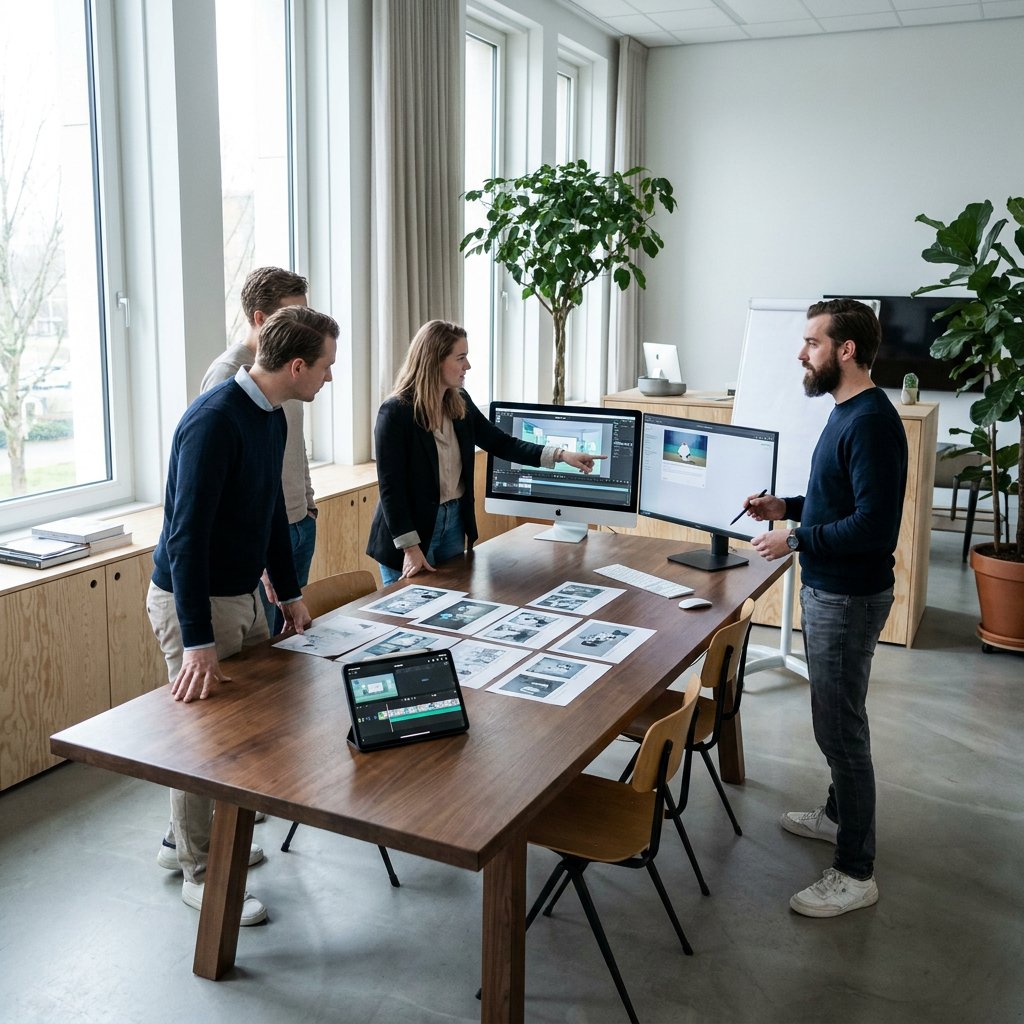
A motion design system is a fixed set of movement principles, reusable components, and practical templates for all moving brand communications. It is therefore not just about how animation looks, but primarily about how movement works: the tempo you use, how information is presented, when emphasis is placed, and how different formats remain recognizable under the same brand.

This is particularly valuable in B2B. You often communicate complex propositions, technical products, or abstract processes to multiple target groups simultaneously: prospects, customers, partners, employees, and internal stakeholders. At the same time, the same messages run through many touchpoints, from sales presentations and product demos to onboarding, training, and product explanations. Without a system, fragmentation in style, rhythm, and message quickly sets in.
In this article, you will read when a motion design system pays off, which building blocks are minimally required, and how to bring 2D, 3D, motion graphics, and visualizations together under a single brand management. This way, moving images become not only more beautiful but, above all, more consistent, scalable, and usable for your entire organization.
The difference between a standalone animation and a motion design system lies not in one strong video, but in repeatability. A standalone production can work excellently for a campaign or product launch, but as soon as multiple teams start creating videos, product visualizations, explainers, or training modules themselves, consistency becomes an operational issue. In that case, recognizable movement logic is more important than a single striking end result.
This is particularly relevant for B2B organizations. You often need to keep the same story clear across extended decision-making processes, for both commercial and content target audiences. A scalable system ensures that sales, marketing, onboarding, and training do not all develop their own animation languages. It supports brand consistency, accelerates production, and makes it feasible to use different formats side by side without a divergence in quality or recognizability.
In B2B, motion is rarely about entertainment alone. The business value lies primarily in understanding. Many propositions are strong in content but difficult to explain at a glance. Consider software platforms with multiple user roles, technical installations, complex processes, product architectures, or services that are largely invisible. Movement helps to show step-by-step what static images often fail to capture well: sequence, cause and effect, interaction, status changes, and focus. As a result, your target audience has to reconstruct less on their own how something works or why it is relevant.
This is important because B2B decision-making is usually not linear. You are not communicating with a single end user, but with a group of people who all want to understand something different. A marketer focuses on positioning, a buyer on substantiation, a product owner on functionality, and an operational user on applicability. When each team has its own presentations, product videos, or training content developed without shared motion rules, noise arises. The core might remain the same, but the way information is structured differs per asset. This does not make understanding easier, but rather more difficult.
A motion design system does not solve this by making everything uniform, but by introducing recurring visual logic. When pacing, transitions, callouts, data visualizations, and product emphasis are used consistently, your audience learns, as it were, how to read your content. This increases the comprehensibility of new communications. Someone who has previously seen a product animation, release video, or onboarding module will more quickly recognize how information is structured in a subsequent asset. This predictability is particularly valuable for complex topics: less cognitive noise, more room for content. For further insight into the UX impact of micro-animations within a design system, read micro-animations for better UX.
In doing so, motion also supports the consistency of your messaging. In B2B, the same proposition often needs to be retold at multiple points, each time from a different angle. In campaigns, you want to grab attention; in sales, you want to specify; in onboarding, you want to activate; and in training, you want to ensure that someone executes the process correctly. Without a system, each touchpoint will place its own emphasis on visual rhythm, typography, scene composition, and visual emphasis. The result is that the brand promise may appear cohesive on paper, but falls apart in moving images.
With a good system, those communications remain connected both in terms of content and visuals. A product launch can be more dynamic than a safety animation, and a SaaS demo requires a different level of detail than a trade show visual, yet they can still share the same brand language. The visual hierarchy feels similar, transitions follow the same logic, interface or product callouts follow the same pattern, and end cards or CTA scenes connect seamlessly. This creates not only stylistic consistency but also content continuity. This makes a B2B brand more reliable and professional in the way it conveys knowledge.
The return also lies in scalability. Many B2B teams no longer produce just one hero video per year, but a growing stream of assets: explainers, feature updates, demo snippets, training modules, social variants, product visuals for presentations, and motion elements for events or interfaces. If every piece is conceived from scratch, it takes time for briefing, concept development, feedback, and coordination. A motion design system shortens that cycle because some of the choices have already been made. You do not have to repeatedly discuss what a data scene looks like, how a product shot appears, or how text layers are animated.
This acceleration lies not only in production but also in collaboration. Internal teams have a better understanding of what to deliver. Stakeholders evaluate based on agreed quality criteria rather than personal preference. External partners can join more quickly if libraries, templates, and sample scenes are available. Updates become simpler because you can modify or expand existing assets instead of having them rebuilt. This results in noticeably less alignment loss, especially for organizations with recurring releases, new use cases, training needs, or international variants.
An additional benefit is that you can make format choices more rationally. Not every issue requires extensive 3D production, and not every abstract process can be effectively explained using only static slides. Within a system, it is clearer in advance which type of motion best suits which communication goal. As a result, you deploy 2D, 3D, motion graphics, and product visualizations more selectively. This protects not only the brand but also efficiency. You then invest in the form that best supports the message, rather than taking the heaviest or most striking format as the default starting point.
For organizations that need to translate structurally complex information into clear communication, that is precisely where the business value of motion lies. Not in “beautiful animation” as a standalone end product, but in a robust visual methodology that accelerates understanding, connects messaging, and makes production scalable. Especially in B2B, where content is often deep and touchpoints are numerous, that step from standalone assets to a system makes the difference between incidental impact and sustainable communicative quality.
| Form | Best effort | Strength | Limitations or points of attention | Position within the system |
|---|---|---|---|---|
| 2D animation | Explainers, storytelling, onboarding, campaigns and process explanation | Clear, flexible, and strong at simplifying abstract or complex information | Less suitable if product realism or spatial detail is crucial | Basic format for explanation and brand story, with fixed scene structure and text hierarchy |
| 3D animation and 3D visualization | Product demonstrations, technical systems, machine operation and innovative concepts | Convincingly displays realism, material, construction, cross-sections, and spatial effect | Heavier to produce and only useful if that detail is really necessary | Used for product or system realism within the same brand rules for movement and focus |
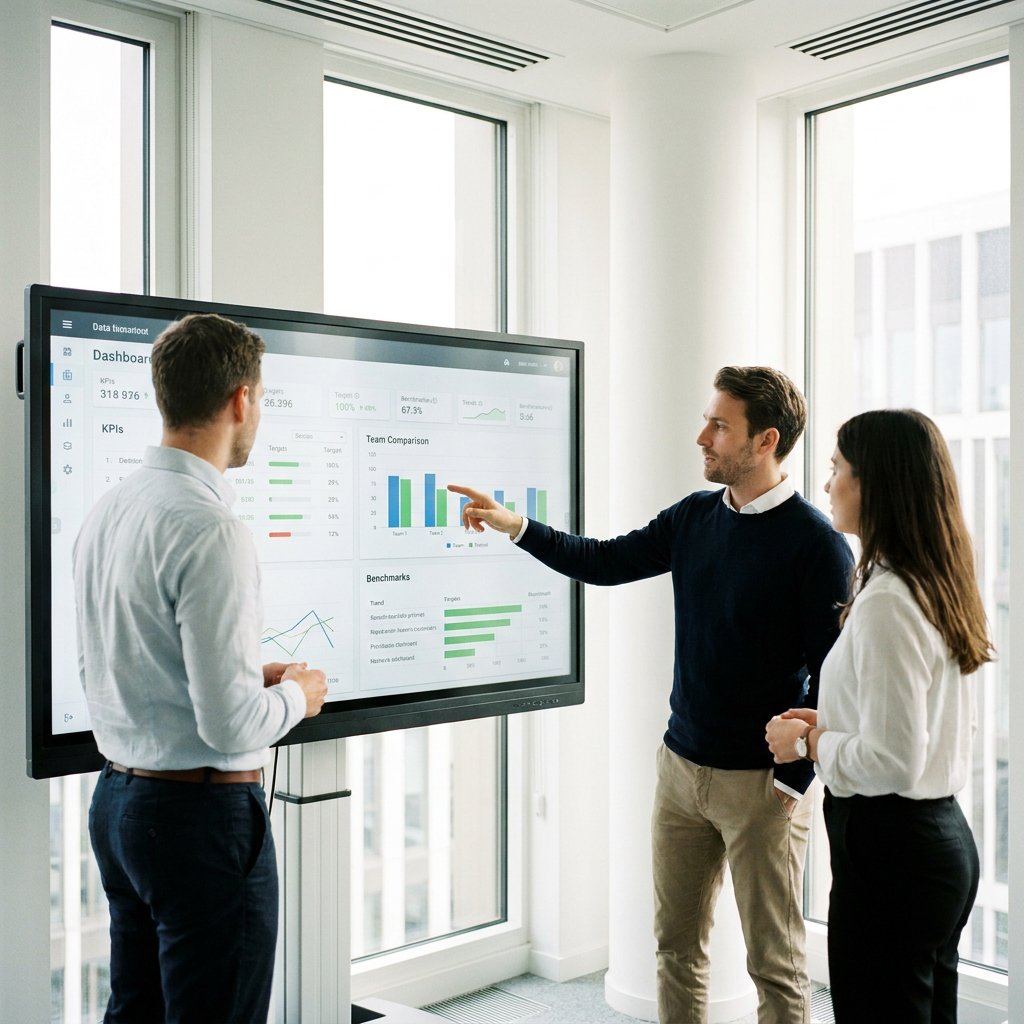
| Motion graphics | Data, presentations, UI explanation, dashboards, events and corporate communication | Strong in hierarchy, typography, charts, and rapid information transfer | Less suitable for emotional storytelling or physical product detail | Functions as a format for information-intensive assets with fixed patterns for data and text |
| Micro-animations | Interfaces, product experience, websites, demos and short attention signals | Improves feedback, ease of use, and brand experience in small moments | Too subtle for a full explanation or complex propositions | Part of the same motion logic for UI states, hover, status, and feedback moments |
| Software or product visualizations | Feature visualizations, sales decks, product pages, and use-case communication | Quickly identifies concrete functions and applications | Requires close alignment with current product or interface situations | Used when accurate product representation is required, without deviating from brand direction |
Are you working on component and state animations within your UI? Then consider having micro-animations created as part of your motion design system.
The biggest mistake when implementing a motion design system is that organizations start with style or tooling. They first look at “what it should look like” or which software teams will work with, while the real question remains open: which business communication needs to become faster, more consistent, and more understandable? A workable system therefore does not start with assets, but with objectives. What recurring content are you already creating? Where do the most delays occur? Which teams use motion, and at which moments in the customer or employee journey is consistent movement most important?
That business perspective helps you define the scope. Not every company needs to build a complete motion ecosystem immediately. It is often smarter to start with areas where repetition and complexity converge, such as product explanations, onboarding, or technical training. That is where you can most quickly see whether standardized building blocks actually save time and improve understanding. From such a core area, you can later expand the system to campaigns, events, sales enablement, or internal communication. By prioritizing first, you prevent the system from becoming too broad and, consequently, too theoretical.
The next step is a content inventory. Gather existing videos, presentations, dashboards, product visuals, interface recordings, and training materials. Do not just look at what is visually appealing, but especially at patterns: which scenes recur, which information is difficult to convey, where do feedback rounds get stuck, and which components are recreated time and again? In B2B organizations, the same elements often prove to keep recurring: product intros, callouts, feature explanations, data scenes, process steps, safety warnings, and end cards. It is precisely this repetition that forms the basis for a scalable system.
Next, you define the motion rules. These rules should not remain vague at the level of “modern,” “premium,” or “sleek,” but concretely describe how your brand moves. Consider pacing per asset type, transition logic between scenes, the way text is constructed, the use of slowing down or speeding up to create emphasis, camera and object movement in 3D, and the hierarchy between the main message and detailed information. Good motion rules support not only brand experience but, above all, comprehensibility. Information must be presented logically, with sufficient pauses to be read and processed.
Based on this, you build a library of components and sample scenes. These can be intros, outros, lower thirds, data modules, callout patterns, UI overlays, product shot templates, interactive states, and fixed outro structures. For B2B, it is especially useful to include informative patterns as well: how do you display a comparison, how do you visualize a process step, how do you highlight a product component, how do you build a software interface visualization , and how do you translate a technical claim into a readable scene? The more concrete these patterns are, the faster internal and external developers can work with them.
Make complex information clear, understandable, and convincing
A system only truly works when the division of roles is also clear. Someone must own the motion standard, someone safeguards the brand logic, and for each project, it must be clear who handles the briefing, content review, and final approval. Without ownership, the system quickly becomes a folder full of nice files that no one manages structurally. Therefore, define who is allowed to add new components, when existing templates may be modified, and how exceptions are evaluated. Especially when multiple teams are producing simultaneously, governance is not a bureaucratic luxury but a prerequisite for scale.
This also applies to the production workflow. Motion rules must be incorporated into the briefing, script, storyboard, animatic, production, feedback, and delivery. Therefore, a briefing should not only state the subject but also the goal, target audience, desired level of detail, chosen format, and relevant system components. The storyboard and animatic then reveal whether the information structure is correct before intensive production begins. This is particularly important in 3D and product visualizations, where changes later in the process can be more costly. Early alignment prevents a great deal of unnecessary iteration in these cases.
The same logic applies to feedback. If stakeholders only provide "feelings," a system immediately loses momentum. Therefore, distinguish between content feedback, brand feedback, and technical feedback. Have decision-makers assess based on agreed-upon criteria: is the message correct, is the hierarchy clear, does the animation follow system rules, and does the asset align with the channel and objective? By structuring revisions, you keep production agile. This is also why many organizations work with a hybrid model: internal teams safeguard brand and content, while external specialists provide specialized motion, 3D, or visualization capabilities when needed.
A specialist does not necessarily have to take over such a system, but can instead help operationalize it. A party like Animation Agency , for example, can develop custom 2D animation, 3D visualizations, motion graphics, and product visualizations under a single, clear brand management framework. This combination of strategic storytelling and technical execution is particularly relevant when your organization operates with complex content. The condition remains the same, however: agreements regarding components, quality criteria, feedback, and delivery must be established in advance. Otherwise, external production becomes custom work without economies of scale.
Distribution also deserves early attention. A motion design system is only scalable if you know where assets will end up during design and production. A video for a product page requires different length, subtitles, and composition than a sales presentation, a social media version, or a module in a learning environment. If these channel requirements only become apparent afterwards, extra versions, editing, and loss of quality result. By considering output formats, subtitling needs, audio usage, aspect ratios, and technical specifications in advance, you build assets that are easier to deploy.
Version control is often the difference between a paper-based system and one that truly scales. Especially in B2B, content and product details are constantly evolving. An interface changes, a feature is renamed, a security procedure is adjusted, or a compliance message needs to differ by market. In such situations, you do not want to constantly search for the correct source files or wonder which version is current. Unambiguous naming conventions, a logical folder structure, clear date and language conventions, and archiving agreements make the system practically usable for everyone who works with it.
Finally, you should view evaluation not as the final step, but as part of the implementation. A motion design system is not a static handbook that you establish once and then leave untouched. You want to know if it indeed leads to faster understanding, better reuse, shorter lead times, and less coordination loss. By looking back after each series of productions at what worked and where friction arose, you refine both the creative components and the workflow. It is precisely this combination of brand logic and operational discipline that makes the system scalable without becoming sluggish.
Before establishing rules for movement, it must be clear for each asset why it exists. Is it about awareness, sales support, onboarding, training, or product adoption? That goal determines not only the content but also the rhythm, information density, and length. A campaign asset may be faster and more selective; an onboarding video, on the other hand, must offer more context and step-by-step guidance. If that choice of goal remains unclear, it becomes difficult to apply a system practically.
Furthermore, the target audience determines how much complexity you display. A technical buyer, user, investor, or new employee does not have the same information needs. Some target groups primarily want to understand the benefits of the solution, while others need to understand exactly how a process, interface, or machine works. A good motion design system helps structure these differences but does not eliminate the need for target audience selection. You want to define in advance what prior knowledge you assume and what level of detail is required to assist someone at the decision-making stage.
Also establish practical constraints early on: timing, budget, channel requirements, languages, desired output formats, and any limitations in source material. This prevents you from building a system that seems creatively logical but is too heavy or too slow in practice. The clearer these conditions are upfront, the more usable your templates and components will be later.
Brand rules only have value when they are translated into workable tools. Therefore, do not just create a document with principles, but convert them into concrete templates, sample scenes, storyboard patterns, and standard briefings. This allows a team to immediately see what a product intro, data scene, or software explanation looks like within the system. This shortens the translation from strategy to production.
Additionally, establish clear feedback rounds, decision-makers, and revision limits. This prevents endless iterations on details that were previously agreed upon. Have internal teams and external makers work from the same library, file names, and quality checklists. This ensures not only a more consistent style but also keeps operational collaboration manageable.
Quality lies not only in the design of a scene but also in the finishing touches. Consider editing, sound design, voice-over, subtitling, and technical delivery quality per channel. A strong animation can lose significant impact if the audio is incorrect, text is illegible, or exports do not align with the platform on which the content is used. Therefore, establish explicit system choices for these components as well, with quality criteria for readability, timing, audio policy, and file output.
Next comes the rollout. The same content often has variants for websites, sales presentations, social media, learning environments, or product interfaces. If these variants are provided for in the system in advance, you do not have to improvise afterwards. You can then consciously choose which elements remain fixed and which are adapted modularly per channel, target group, or language. This makes distribution faster and prevents variants from deviating from the main version in terms of content or appearance.
Always conclude with an evaluation based on actionable criteria. Does the target audience understand the message faster? Do viewers or users remain better engaged? Has the turnaround time decreased? How many assets have been reused or built upon existing components? And does the content demonstrably yield more for commercial, educational, or adoption purposes? With this evaluation, you keep the motion design system alive and relevant.

As soon as a team wants to implement motion structurally rather than incidentally, the questions usually shift from creation to organization. How great does the need need to be before a system pays off? Is it best to build this yourself, together with an external specialist, or in a hybrid model? And how do you maintain consistency when using multiple formats side by side? The questions below help with those practical choices, focusing on timing, operating model, format consistency, and budget.
Is your question not listed? Feel free to ask.
Ask your questionA motion design system becomes particularly interesting once you produce recurring assets: multiple videos, visualizations, or motion elements per quarter, for multiple teams or channels. In that case, the benefits of standardization quickly outweigh the investment in rules, templates, and governance. Without a system, every project continues to consume an unnecessary amount of time on briefing, coordination, and revision.
B2B organizations, particularly those with complex propositions, onboarding, training, product updates, or stakeholder communication, benefit quickly. The more frequently the same information recurs in different forms, the greater the gain from a consistent flow logic and reusable building blocks.
That depends on your volume, internal capacity, and the complexity of the content. An in-house model works well if you have a lot of ongoing production, want to keep brand direction strongly in-house, and primarily work with predictable formats. The advantage is short lines of communication with product and marketing teams. The challenge is that specialized disciplines, such as 3D animation, technical visualization, or complex motion systems, are not always continuously available internally.
Fully outsourcing to a specialist is more logical when you produce less frequently but have high demands regarding technical and visual quality. That model can be efficient for hero assets, product visualizations, or specialized projects requiring clear external expertise. However, it does require clear agreements regarding transfer, source files, and how the system is documented, ensuring that knowledge does not reside solely outside your organization.
For many B2B organizations, a hybrid model is therefore the most logical choice. Internal teams safeguard the brand, message, priorities, and content accuracy. External partners provide additional capacity or specialized depth when needed. This is particularly practical when combining various forms of motion, such as 2D explainers, motion graphics, and 3D product visualizations. A specialist like Animation Agency can then assist with custom production and system development, while the internal organization retains control over application and prioritization.
Whichever form you choose, success depends less on the model itself than on the underlying agreements. Is ownership clear? Are templates and quality rules documented? Does everyone work from the same library and briefing structure? If that is in place, an internal, external, or hybrid operating model can be effective.
Consistency does not mean that 2D, 3D, and motion graphics must look identical. A 3D product visualization simply has a different function and level of detail than a 2D explainer or a data scene in motion graphics. What must remain the same, however, is the underlying brand logic: how information is structured, where the emphasis lies, how transitions feel, and what rhythm suits your brand.
Therefore, establish fixed rules for pacing, timing, transition types, composition, typography, callouts, and the way product or interface elements are highlighted. Camera and object movement in 3D must also align with the same clarity and hierarchy as in 2D. This ensures that every format remains functionally appropriate without your brand language becoming fragmented.
In practice, it helps to include sample scenes per format in the same library. That way, creators see not only the rules on paper, but also how those rules look in 2D, 3D, and motion graphics. This makes consistent application much more realistic.
A motion design system usually requires more thought at the beginning. You invest in principles, templates, components, and agreements that enable reuse later. As a result, the initial setup can feel heavier than a standalone production. The advantage lies in everything that follows: faster briefing, less repetition, better reuse, and more efficient updates.
The budget is also deployed more intelligently. You do not need to treat every use case as fully custom work, nor do you have to choose the heaviest format by default. By selecting the right level of 2D, 3D, motion graphics, or visualization for each objective, you maintain greater flexibility without compromising on consistency.

Whether it concerns an ambition, product, process, technology, or idea: we make visible what makes it special and translate it into imagery that is clear, convincing, and impossible to ignore.