
Product lifecycle visualization
A product lifecycle visualization shows at a glance how a product moves from idea to design, development, launch, support, and further development. The power lies not only in the phases, but precisely in the transition moments: where does a go/no-go occur, when does an MVP emerge, what is the release milestone, and when does support end? Which approach works best depends on your goal. Internal alignment often requires a different level of detail than stakeholder communication, training, or product explanation.





Which insights a single lifecycle overview makes immediately visible
A good lifecycle overview shows the connection between idea, design, build, market introduction, and subsequent optimizations. For each phase, you see the goal, the required output, and who decides on the next step, including the introduction phase, where visuals for your product launch are often a part. Precisely for this reason, a product lifecycle visualization is never universal: product type, market, and organization determine the appropriate setup.
Which phases usually reappear in a lifecycle visual
Most lifecycle visualizations work with a limited number of main phases, even if teams use different names internally. This keeps the product story readable and usable for decision-making. Therefore, do not simply convert your organizational chart into a diagram, but place sub-activities under logical main phases. There is no standard model that always fits.
Concept and strategy give direction to the rest
Here you lay the foundation with product vision, desired market position, and value for the target audience, often brought together in visuals for product positioning. Market research, competition, personas, and the place within the portfolio provide context. The position in the value chain is also relevant; a visualization of your product ecosystem makes that context immediately clear. Also add feasibility, such as technical constraints, budget, and capacity, because it is precisely these that determine whether a concept can proceed to the next phase.
Design translates the product promise into use
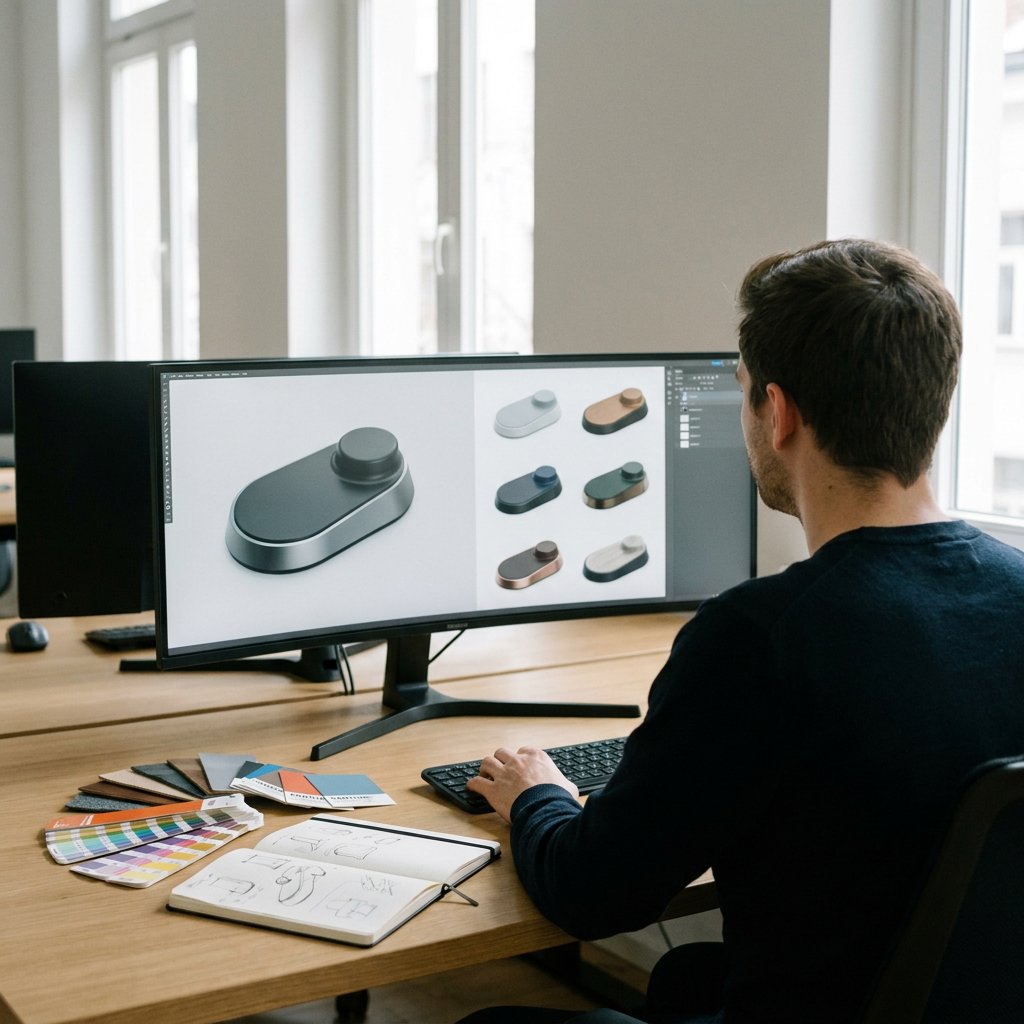
In the design phase, you translate strategic choices into system setup, interface, and user flows. Strong product experience visuals show how user needs and business goals align, not just what something looks like. Therefore, mark feedback moments where layout, interaction, and process steps are refined before development starts.
Make complex information clear, understandable, and convincing
Development and validation make the first version concrete
This shows when previous insights land in an MVP or first working version. Include building, feature testing, bug fixes, and adjustments based on user or stakeholder feedback. This way, the visual honestly shows that development is iterative: building, testing, improving, and revalidating.
Launch, support, and further development keep the overview up to date
After validation, the route to market follows: rollout, distribution, communication, and potential phased release. For adoption and training immediately after going live, an onboarding video for your product particularly effective. Differentiate between a soft launch, full market introduction, and limited feature release when feedback or risk management is the guiding principle. For software or versions, support milestones are also relevant, such as start, mainstream support, extended support, and end-of-support, especially if service and maintenance visualization are part of the lifecycle.
What information you must include at a minimum
- For each phase: the goal, the key output, and the person responsible or decision-maker.
- Per transition: milestones such as research go/no-go, MVP, release, version updates, or support dates.
- As substantiation: target group, market input, business fit, and feasibility.
- Tailor the level of detail to the audience: management primarily sees choices and dependencies, while teams are more likely to see tasks and handovers.
Which form of visualization suits which goal
| Form | Clarity and detail | Practical purpose |
|---|---|---|
| Phase model | Very clear, limited detail, easy to maintain | Stakeholder alignment and decision-making |
| Timeline | More emphasis on sequence, dates, and support moments | Release planning and lifecycle communication |
| Roadmap | Good for multiple tracks, requires regular updates | Portfolio overview and prioritization |
| Dashboard | Lots of detail, less narrative, strong for current status | Operational monitoring and team management |
| Circular or iterative model | A more accurate picture when learning and improvement are central | Further development, validation and continuous optimization |
Product lifecycle visualization and PLM: related, but not the same
PLM is about managing product data, processes, and decisions throughout the entire lifecycle. Visualization does something different: it makes that complexity understandable to the audience that has to work with it. Especially in organizations where multiple systems provide lifecycle information, not everyone needs the same level of abstraction or system detail.
When infographic, animation, or 3D visualization is the better choice
An infographic works well when phases, milestones, and dependencies need to land compactly on a single page. Animation is stronger when sequence, transfers, or changes over time need to be explained, for example in presentations, onboarding, or training. 3D visualization is suitable when the physical product, components, or exploded views are part of the lifecycle story. At Animation Agency starts 3D product visualization with the target audience, complexity, and update frequency, not just the visual style.




Ready to take your A to AA?
Whether it concerns an ambition, product, process, technology, or idea: we make visible what makes it special and translate it into imagery that is clear, convincing, and impossible to ignore.