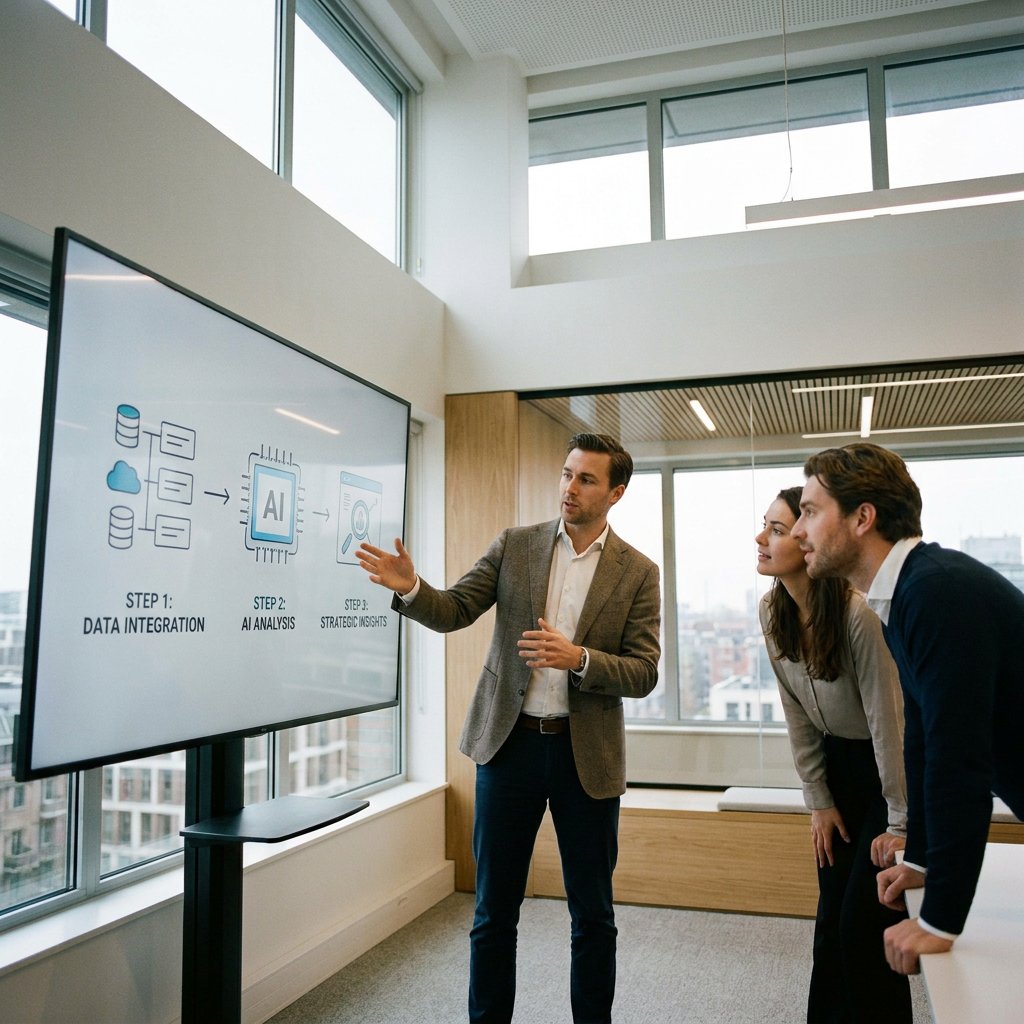
A good sales demo not only shows what a product does but, more importantly, quickly clarifies why it is relevant. This is precisely where animation can add significant value. With moving images, you bring structure to complex information, direct the viewer's attention, and make abstract processes immediately understandable. This is particularly valuable for SaaS, technology, and industrial solutions, as you are often selling something that cannot be understood at a single glance. Therefore, animation in a sales demo is not mere decoration, but a strategic tool to accelerate understanding, trust, and action.

Time is scarce in a sales conversation. You don't want to dwell on context for too long, but you also don't want to jump to features too quickly without the prospect understanding the bigger picture. Animation helps bridge that gap. Movement makes visible what static slides or standalone screenshots often fail to convey well: sequence, cause and effect, interaction between components, and change over time.
This works particularly well when your product has multiple steps, user roles, or technical layers. An animated flow, for example, shows in a few seconds how data comes in, is processed, and ultimately delivers value to the user. Instead of five minutes of explanation, the viewer gets a clear mental model. This reduces the cognitive load and makes the rest of the demo easier to follow.
In addition, animation has a strong advantage in consistency. While a live explanation may vary slightly from one salesperson to another, a well-made animation remains sharp, compact, and controlled in terms of content. This ensures that your core message remains the same in every sales demo.
Animation in a sales demo is any form of moving visual material that clarifies a sales story. This can be a short motion graphic that outlines a problem, a software interface visualization that shows how a product is used, a 3D visualization of a machine, or a technical animation that makes an internal process visible.
The difference compared to a standalone explainer video is important. An explainer often stands on its own and tells a complete story from beginning to end. Animation within a sales demo, on the other hand, supports a conversation, a pitch deck, or a product presentation, for example, when visually explaining SaaS use cases is an important part of sales. The goal is not to take over everything, but to reinforce precisely those parts where prospects normally have questions, doubts, or confusion.
The most effective animations are therefore not only beautifully executed, but above all strong communicators. They make complex information simple without simplifying the content.
Animation yields the best results in moments where context, coherence, or technical operation would otherwise be difficult to explain. By using animation strategically, you prevent the demo from becoming too long or feeling too visually cluttered.
| Moment in the demo | Suitable animation | Why this works |
|---|---|---|
| Start of the conversation | Short opener with problem and context | You immediately set the framework and make clear for which problem your solution is intended. |
| Explanation of a process or workflow | Motion graphics or animated flow | Steps, dependencies, and roles are understood faster than through separate bullet points. |
| Technical operation of product or system | 2D technical animation or 3D visualization | You make invisible or internal workings visible without complicated verbal explanation. |
| Features that cannot yet be displayed live in a stable manner | Animated UI demo or prototype | You display the desired user experience without the risk of bugs or distractions. |
| Follow-up after the demo | Short recap animation or clip from the demo | Decision-makers who were not present grasp the essence more quickly and remember the message better. |
For many teams, that combination of live explanation and short visual interludes is particularly powerful. You keep the conversation personal, but prevent important information from relying solely on words.
For software, a SaaS explainer well to simplify the user flow. Think of visualizing onboarding, reporting, permission structures, or connections between systems. Instead of a full-screen recording of every click, you show only the essentials. This makes the demo calmer and makes feature visualization much easier.
For machines, components, or production processes, 3D animation is often the strongest choice. You can show cross-sections, visualize material flows, and demonstrate movement in places where a camera cannot reach. Safety procedures, maintenance, and operation under various conditions also become clearer this way. This is often important for industrial sales, as the purchasing decision depends on accuracy and trust.
If you primarily sell a process, platform, or abstract service, motion graphics and data visualization are often more effective than a literal product rendering. For example, you can show where delays occur, how a process speeds up, or how information flows through an organization. This makes the value of your solution concrete, even if it is not immediately tangible.
Make complex information clear, understandable, and convincing
Animation usually does not replace a live product demo. The strongest approach is a combination. Animation provides an overview and context, while the live demo delivers evidence and detail. This way, the prospect first receives a clear story, followed by credible in-depth information.
This combination works particularly well in B2B processes with multiple decision-makers. Not everyone sees the same demo at the same time, but animation keeps the core message compact and transferable.
The best animation in a sales demo starts not with style, but with content. First, it must be clear what the prospect needs to understand, remember, and do. Only then do you choose the visual form. A communication-first approach prevents animation from looking good but delivering too little in terms of content.
Common mistakes include an overly long intro, too many visual effects, generic templates that don't suit the product, and animations that look better than the actual offering. A story that is too abstract also backfires. Especially with technical products, animation must not only be appealing but also factually accurate. Premium visual execution only truly helps if the message is strategically well-structured.
You measure the effect of animation not only based on more attractive presentations, but on behavior. Look, for example, at the quality of conversations, the speed at which prospects grasp the core message, and the number of follow-up appointments after a demo. With asynchronous or shared demos, you can also monitor watch time, click-through behavior, and how many people forward the demo internally. Qualitative signals are also valuable: fewer follow-up questions, faster alignment between sales and prospect, and clearer responses to your proposition.

Is your question not listed? Feel free to ask.
Ask your questionAnimation is the better choice when a screen recording contains too much detail, a process cannot yet be stably displayed live, or when you want to explain software without showing all screen details. For a simple click path, a screen recording may suffice, but for complexity, abstraction, or technical operation, animation is often more effective.
Usually, brevity works best. Think of fragments of 15 to 60 seconds that clearly convey a single message. Only in technical or industrial applications might slightly more time be necessary, as long as every second remains functional.
Yes. Especially in live conversations, animation helps to quickly provide context and clarify difficult parts. It is not a replacement for the conversation, but a tool to arrive at the same understanding more quickly.
No. 3D is most commonly used for physical products, machines, and parts, but it can also be useful for spatial processes, installations, logistical flows, or digital twin concepts. The choice depends on what you want to visualize.
An explainer video typically tells a complete story for a broader audience. Animation in a sales demo supports a targeted sales conversation and addresses specific questions, objections, and use cases. It is therefore more functional and directly linked to animation goals for sales and conversion.
In many cases, yes. The more technical or specialized the product, the greater the chance that standard visuals will fall short. Customization makes it possible to visualize exact processes, terminology, and distinctive product benefits clearly and credibly.
Those selling complex products or processes therefore do not have to choose between content and appeal. The right animation makes your sales demo not only more visually appealing, but above all clearer, sharper, and more convincing.

Whether it concerns an ambition, product, process, technology, or idea: we make visible what makes it special and translate it into imagery that is clear, convincing, and impossible to ignore.